01
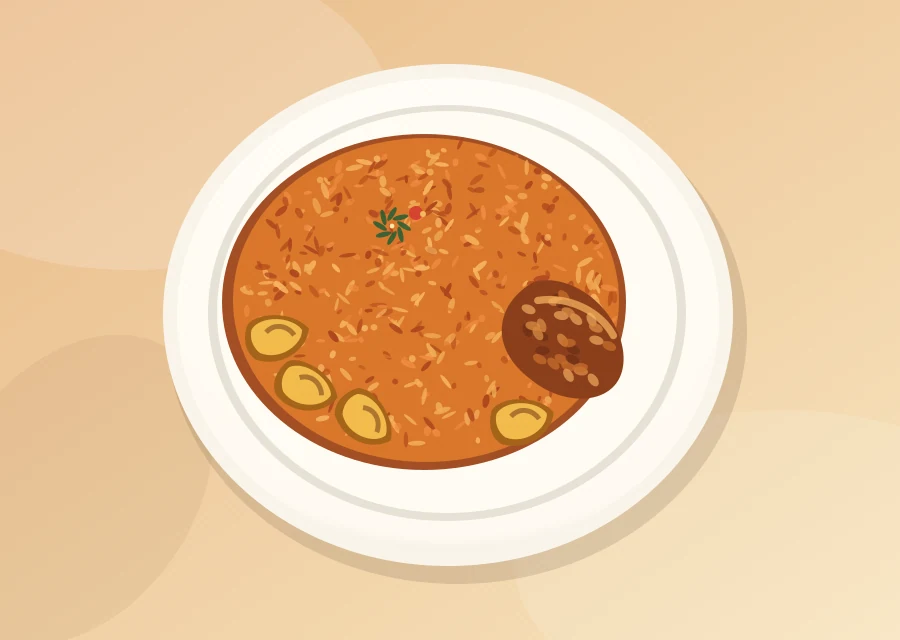
Browse the menu
Explore the meals, see prices, and find exactly what you're craving.
Your favourite Nigerian dishes, beautifully presented. Explore the menu, fill your basket, and prepare your WhatsApp order in just a few taps.
 Something delicious awaits.
Build your basket and copy your order details. A real restaurant can enable one-tap WhatsApp checkout by adding its business number.
No complicated accounts, no extra apps. Just a smooth ordering experience.
Explore the meals, see prices, and find exactly what you're craving.
Add dishes, change quantities, and check the total before you order.
Confirm your details and send your order when the vendor connects their number.
Sell food, fashion, beauty products, or more with one clean link. Let customers see your products, check prices, and reach you on WhatsApp.
Demo contact form: add the developer's WhatsApp number to make this button open a chat.
Because ordering should feel easy, not confusing.
No. This is a demonstration website with sample meals and prices. It does not accept payments or send orders to a real restaurant.
You can create, review, and copy a complete order message now. When a real vendor's WhatsApp number is added to the website configuration, the button can open WhatsApp with the message ready to send.
Yes. This catalogue-and-WhatsApp format can be customised for fashion, furniture, cosmetics, groceries and other small businesses.